
Skip to content
Player areaUpdates

Announcements

Loading updates…

Reading or visiting links does not award points.

KINGPLAY · DISCOVER

KingPlay keeps growing.

Follow our worlds and the changes genuinely available to players.

THE WORLD FOLDERS’ NOTEBOOK

The story unfolds, one chapter at a time.

King and the companions from our twelve worlds tell the story of KingPlay growing. From the first ideas to changes you can already explore, follow our adventure.

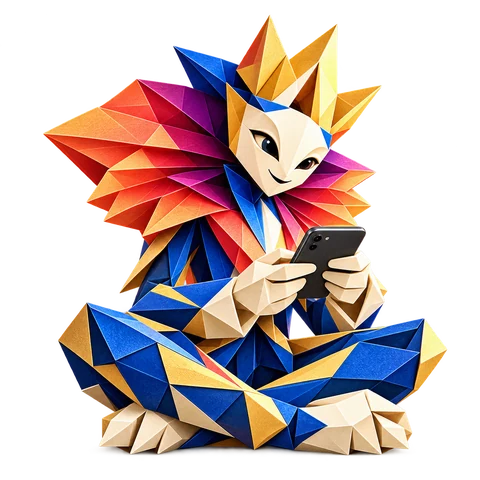
King smiling, sitting cross-legged and playing on his phone.Your break comes to life.
Chapter index
FROM THE LATEST CHAPTER TO THE FIRST FOLDS

The thread of the adventure

21 chapters
  1. King smiles and gives players a welcoming thumbs up.
    WELCOME

    A warm welcome from King

    King joins sign-in and account creation. An illustrated invitation presents the launch offer, and eligible members discover their ten free tickets in a welcome message.

    What changed for you

    A warm welcome from King

    King joins sign-in and account creation. An illustrated invitation presents the launch offer, and eligible members discover their ten free tickets in a welcome message.

    • The ten welcome tickets are reserved for the first 500 eligible registrations completed after the offer starts.
    • The message appears after the account credit is confirmed.
    • Keep a few tickets to discover future games!

    Chapter link
  2. Cadence dances alongside Vivo, her blue hummingbird.
    HOME & NEWS

    A livelier welcome and news within reach

    King greets you on desktop. The bell highlights new stories and shows which ones you have already opened.

    What changed for you

    A livelier welcome and news within reach

    King greets you on desktop. The bell highlights new stories and shows which ones you have already opened.

    • Open an update card to go directly to its chapter.
    • On desktop, click beside the news panel to close it.
    • Enable tap sounds in the footer, mobile menu or your profile.
    Chapter link
  3. Sélène hands a puzzle piece to Déclic, her raccoon.
    FAMILIES & DISCOVERY

    Twelve ways to move between worlds

    At the foot of each family page, the twelve duos strike a new pose and guide you towards another KingPlay world.

    What changed for you

    Twelve ways to move between worlds

    At the foot of each family page, the twelve duos strike a new pose and guide you towards another KingPlay world.

    • Swipe through the cards or use the arrows to explore the families.
    • The updates recap shares the journal’s artwork.
    • Public news is available to visitors from the announcements bell.
    Chapter link
  4. King and all twelve duos pose in front of colourful folded-paper displays.
    GAMES

    Meet King and all twelve duos

    King joins the characters and their companions in the All duos view on the Games page. Open a portrait to visit its world.

    What changed for you

    Meet King and all twelve duos

    King joins the characters and their companions in the All duos view on the Games page. Open a portrait to visit its world.

    • Open a duo’s portrait to explore its family.
    • Search for a character or companion by name.
    Chapter link
  5. KingPlay scenery and display frames are shown in folded paper.
    ARTWORK

    King introduces the new origami banners

    King and all twelve duos gather to introduce the folded-paper scenes that appear in KingPlay’s own advertising spaces.

    What changed for you

    King introduces the new origami banners

    King and all twelve duos gather to introduce the folded-paper scenes that appear in KingPlay’s own advertising spaces.

    • Each placement offers a different invitation to explore advertising formats.
    • Each catalogue size has a dedicated banner composition.
    Chapter link
  6. An origami doorway invites visitors to explore the partner space.
    PARTNERS & ADVERTISERS

    Explore the B2B portal before signing in

    A public demo lets you explore all four sections of the partner workspace with a fictional example.

    What changed for you

    Explore the B2B portal before signing in

    A public demo lets you explore all four sections of the partner workspace with a fictional example.

    • See how requests and campaigns are organised.
    • Advertisers and Partners now offer separate links for the demo and the private workspace.
    Chapter link
  7. Tempo watches Tic, the folded-paper snail.
    ADVERTISERS & CALENDAR

    Choose dates from any placement

    Browse the catalogue and calendar side by side on a large screen. A button on each card takes you straight to the date picker.

    What changed for you

    Choose dates from any placement

    Browse the catalogue and calendar side by side on a large screen. A button on each card takes you straight to the date picker.

    • Your selected formats are kept.
    • The enquiry button stays within reach while browsing the catalogue on a large screen.
    • The advertising team checks requested windows before confirming availability.
    Chapter link
  8. Different banner sizes take shape in a folded-paper scene.
    ADVERTISERS & PREVIEWS

    A frame finds its place

    King sets the frames into the pages one by one. Now you can see each in place and return to your request where you left it.

    What changed for you

    See advertising formats in context

    Advertisers can see placements on the actual KingPlay pages, at the size intended for their screen.

    • A preview opens in a new tab at the exact location of each placement.
    • Choose multiple formats for any of the four placements available for estimates.
    • Your selection is included in the quote request. Prices are indicative.
    Chapter link
  9. A folded-paper illustration accompanies the campaign planning guide.
    FORMATS & QUOTES

    A format for every screen

    On the workbench, King lines up long strips and small frames. Each fits a specific space, from a large screen to the smallest phone.

    What changed for you

    Plan a campaign across screens

    The Advertisers page explains how a banner fits the available space, from large screens to small devices.

    • Each format shows its dimensions before you submit a request.
    • The homepage world selection includes a placement on its own row.
    • The privacy policy link keeps your form open.
    Chapter link
  10. Liro smiles at Plume, the owl perched on his wrist.
    LANGUAGES & COMFORT

    Two languages, one thread

    King’s notebook switches languages mid-sentence. The proposal stays open and the ideas already written down follow the conversation.

    What changed for you

    Continue your request in the language you prefer

    Switch between French and English while preparing an advertiser or partner request.

    • Your choices and inputs stay on the page when you switch languages.
    • The partner journey illustrations adapt to portrait tablets.
    • Help explains which account to use once partner access is granted.
    Chapter link
  11. A folded-paper bridge connects the worlds of KingPlay and its partners.
    ADVERTISERS & PARTNERS

    Two doors open in the workshop

    King welcomes those who want to showcase their brand or imagine a project with KingPlay. Each door leads to examples and a first conversation.

    What changed for you

    Two doors for proposing a collaboration

    KingPlay offers two bilingual routes for brands and organisations that want to propose a project.

    • The Advertisers page presents pilot formats and sponsorship possibilities.
    • The Partners page guides four types of collaboration with examples.
    • A request introduces your project for review.
    Chapter link
  12. King and his companion present a fan of colourful paper worlds for exploring KingPlay.
    INTERFACE & DISCOVERY

    One fold, a whole world

    King settles down, phone in hand. Around him, characters and their companions bring colour to twelve worlds. A new way to explore KingPlay takes shape: more expressive pictures, simpler controls.

    What changed for you

    Clearer discovery, a simpler break

    A more readable home page, distinctive worlds and mobile controls within reach.

    • Browse categories in a rail reaching the edge of the screen, with short titles and clearer landmarks.
    • Future game cards put the game itself first; upcoming worlds remain understated.
    • The theme control is available in the mobile header and bottom navigation follows the visible screen area.
    • Home page partner spaces are also visible without signing in. Games, gifts and commercial advertising remain in preparation.
    Chapter link
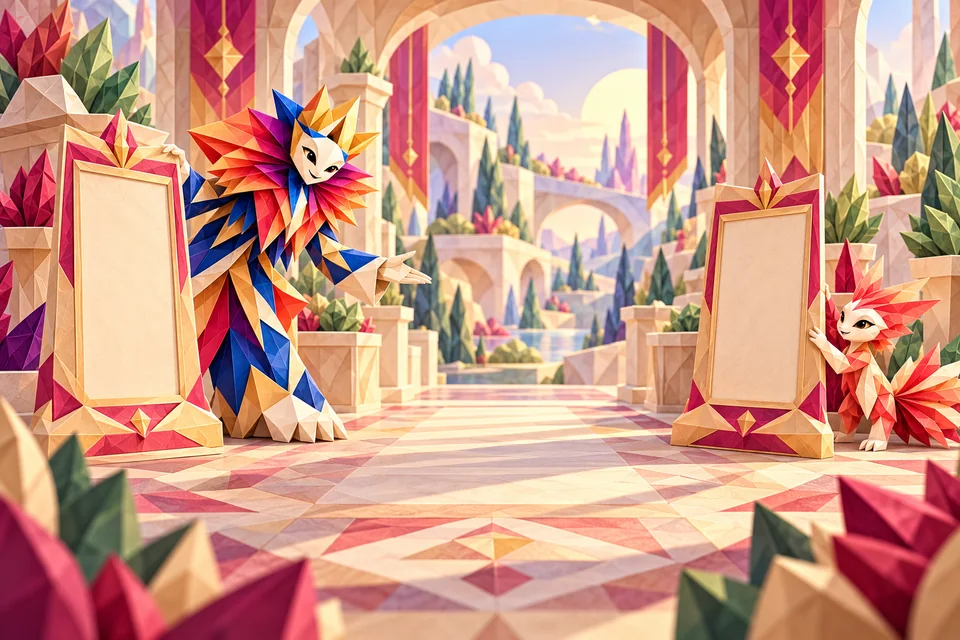
  13. King and a companion place two partner frames at the sides, leaving the central path clear.
    ADVERTISING & TRUST

    Room for guests, space for you

    Everyone needs their own space at the table. KingPlay is preparing to welcome future partners with one simple rule: your break must never require watching or clicking an advertisement.

    What changed for you

    Advertising is more tightly framed before launch

    KingPlay is preparing bounded, administered advertising inventory with human review and no mandatory ad requirement to play.

    • Future advertising placements are defined by surface, format, device, language, dimensions, capacity and calendar rather than unrestricted delivery.
    • Booking a slot or, later, recording a payment will never publish a campaign automatically: human approval and a suitable creative are still required.
    • Watching or clicking an advertisement will not be required to play and does not credit Reward Points or improve winning chances.
    • Advertiser reporting remains designed around aggregate data; real identity and individual risk signals do not become advertising data.
    • Commercial advertising remains in preparation: this update structures its safeguards before any real opening.
    Chapter link
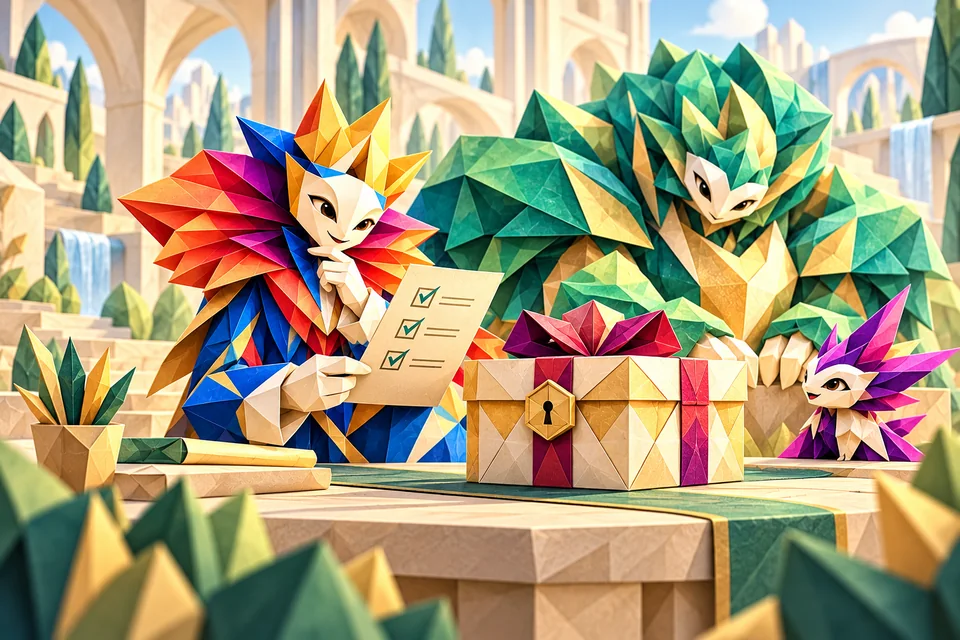
  14. King checks a list beside a closed gift, accompanied by the paper guardians.
    SECURITY & TRUST

    The treasures can wait until everything is ready

    A treasure is not a promise to make lightly. Before opening rewards, we are preparing a journey that can check each request and allow time for human review when needed. No reward can be ordered today.

    What changed for you

    More safeguards before rewards open

    KingPlay now explains the controls planned before any future delivery of value, while rewards remain closed today.

    • No reward order is open: this update prepares controls that must precede any real delivery.
    • Future requests may be rechecked server-side using authoritative facts such as account age, economic history and verified results.
    • An unusual case may be held for human review; no single signal becomes an irreversible account sanction.
    • Risk controls remain internal to KingPlay and expose neither real identity nor an individual risk score to partners or advertisers.
    • Help, documentation, privacy, terms, partner/advertiser pages and What’s new have been realigned with this model.
    Chapter link
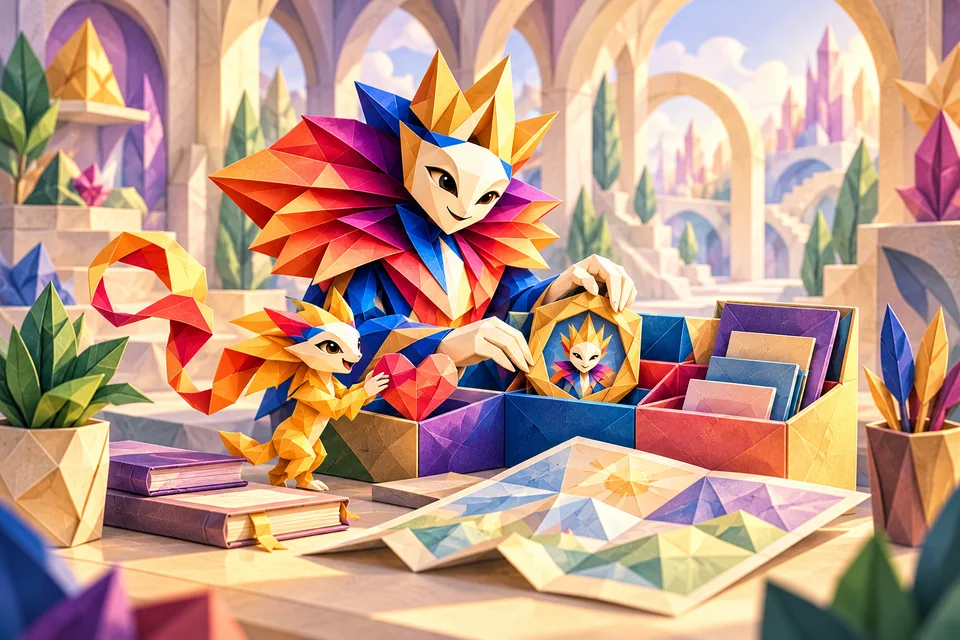
  15. King and his companion organise a personal space with a portrait, a heart and a map.
    PLAYER SPACE

    Everyone finds their place

    The pieces of the journey come together: a home to find your bearings, a profile to make your own and favourites for worlds that catch your eye. Progress remains truthful: missing data is never made up.

    What changed for you

    Your player space is clearer

    A more useful home, a better organised profile and navigation that clearly explains what is available today.

    • Home now separates your account and progression from games and rewards that are still in preparation.
    • My profile brings public identity, progression, preferences and private history together without inventing missing values.
    • On mobile, all six primary destinations remain available and the current page is easier to identify.
    • Signed-in favourites stay with your account; without sign-in, favourites last only for the session.
    • Games, missions, rewards and leaderboards clearly show their status until they officially open.
    Chapter link
  16. King and a winged companion consult a large open notebook surrounded by bookmarks.
    UPDATES & HELP

    The notebook opens on the right page

    Our companions open the travel notebook. Catch up since your last visit, search for an answer in Help and understand the rules without reading technical backstage notes.

    What changed for you

    Keep up with KingPlay at your pace

    A clearer since-your-last-visit recap, easier help and more readable trust pages.

    • The journal now focuses only on changes that genuinely matter to players.
    • The “Since your last visit” recap groups updates you had not yet seen.
    • Help can be browsed by topic and searched directly.
    • Privacy, Terms and privacy preferences now use a clearer, evolving presentation.
    Chapter link
  17. King rests in an armchair beside a quiet bell and a sleeping companion.
    WELCOME & COMFORT

    A break at your own pace

    Even in a colourful world, choosing quiet is welcome. The guide can step aside and sounds stay off unless you choose them. This break belongs to you.

    What changed for you

    A welcome at your pace

    Lighter pointers and quiet sounds, at your choice.

    • Responsive guide: collapse, remove and restore from your profile.
    • Guide choices saved per profile in this browser.
    • Optional navigation sounds, off by default; a quiet bell note on click.
    Chapter link
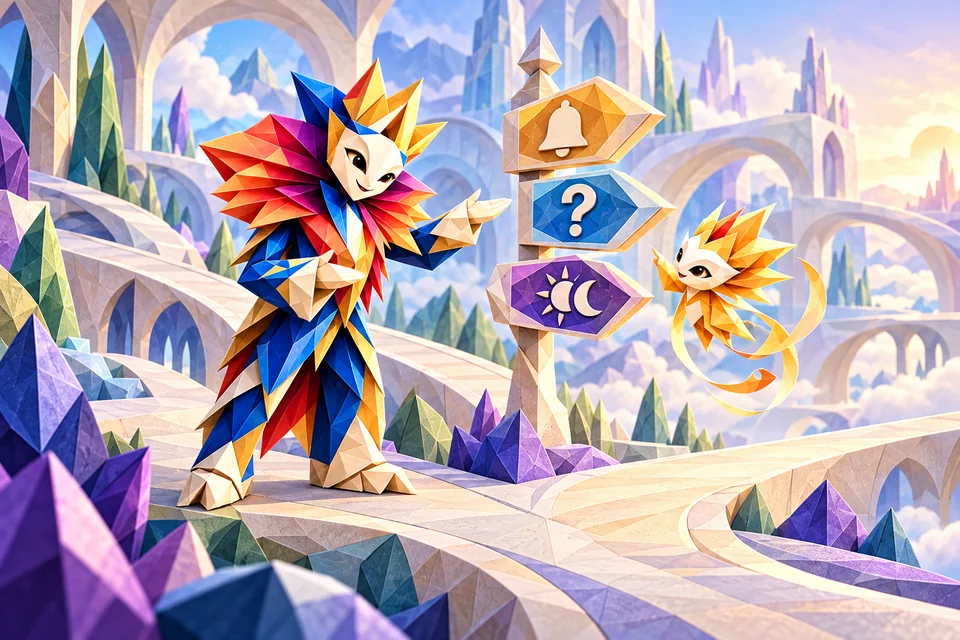
  18. King shows a golden companion signposts for help, announcements and theme choices.
    WELCOME & ANNOUNCEMENTS

    The first landmarks of the journey

    Before exploring the worlds, a few landmarks make the journey more comfortable. Help, announcements and theme controls begin finding their place on every screen.

    What changed for you

    Find your bearings at a glance

    Expanded help, consistent updates and a space for KingPlay announcements.

    • Help for every screen and a circular theme control.
    • Player welcome and illustrated announcements from administration.
    • Games, rewards and rewarded visits are still to come.
    Chapter link
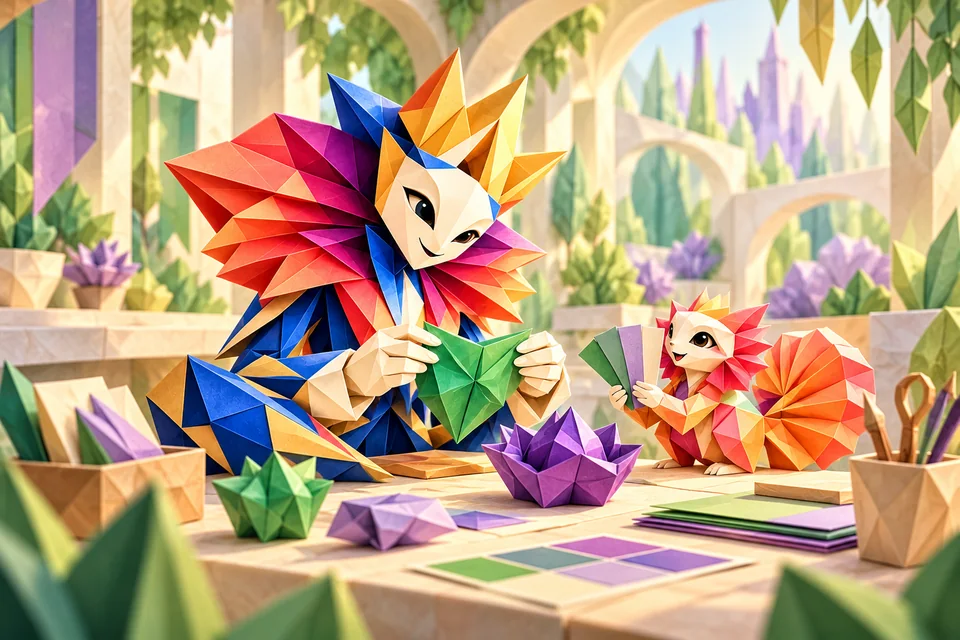
  19. King and his companion craft green and purple folds in their paper workshop.
    IDENTITY & COMFORT

    KingPlay’s first colours

    Before today’s paper worlds, KingPlay laid down its first signs: a logo, colours and the wish to make every break recognisable. This chapter tells that first step, not the current art direction.

    What changed for you

    An identity of our own

    The official logo follows you across pages and theme icons are back.

    • Official logo in player and admin spaces.
    • Account access harmonised in light and dark themes.
    • Origami Satin will guide future visual changes.
    Chapter link
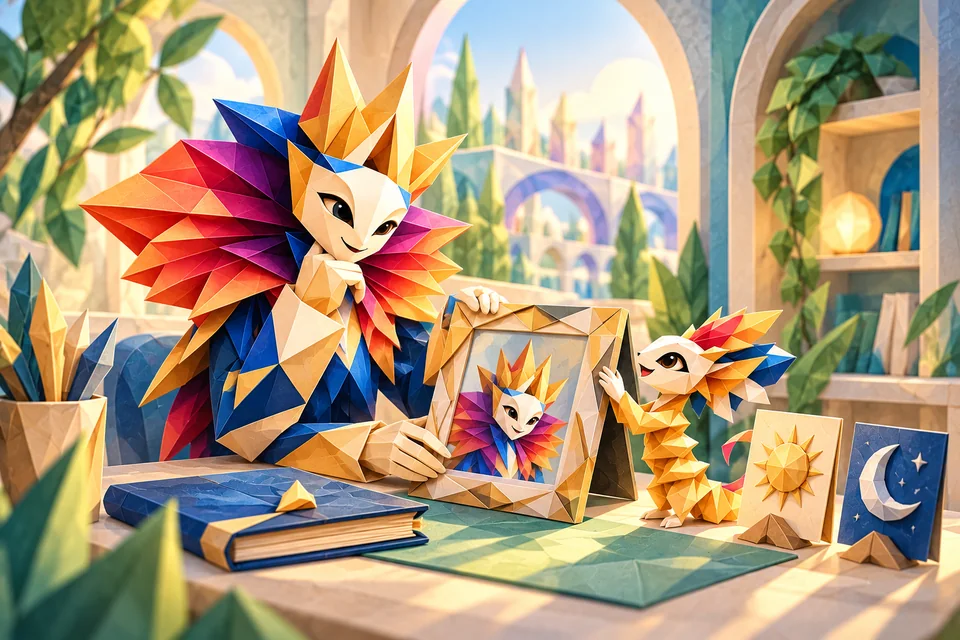
  20. King personalises his portrait with a companion beside a closed notebook and day and night symbols.
    ACCOUNT & COMFORT

    A little place of your own

    A username, a picture, a light or dark setting: the journey starts with these little choices too. Personalise your space while private activity stays where it belongs, in your account.

    What changed for you

    Make your account yours

    Choose your username, photo or logo with consistent themes.

    • Side-panel account and customisable profile.
    • Light, dark and system themes preserved while browsing.
    • Your private activity history appears in your space when operations exist. Games and rewards are not open yet.
    Chapter link
  21. King makes a first fold that becomes an arch while a small companion watches.
    FOUNDATIONS

    It all starts with a first fold

    There was no game to start yet, but already a purpose: build a free, welcoming space, with a real account and help in French and English. The very first page of the story.

    What changed for you

    Your space is taking shape

    Accounts without fictional data, bilingual help and an update journal.

    • Google sign-in offered when available.
    • Owner-only administration with a second factor.
    Chapter link
THE NEXT CHAPTER IS STILL TO COME

New folds, no false promises.

Future games, new rewards and encounters with our worlds will join this notebook when they are genuinely available. For now, find the world that feels like you.

Discover the worlds →
KINGPLAY · CLOSE AT HAND

Your next break, one tap away.

Keep KingPlay right on your phone or computer. Installation is free.

  1. In Chrome or Edge, look for the install icon in the address bar or an installation option in the browser menu.

  2. On a Mac with a compatible Safari version, choose File, then “Add to Dock”.

  3. Confirm, then open KingPlay from the shortcut you created.

Options depend on your browser. If installation is not offered, KingPlay remains available here. Internet is required for your account, games and progression.